
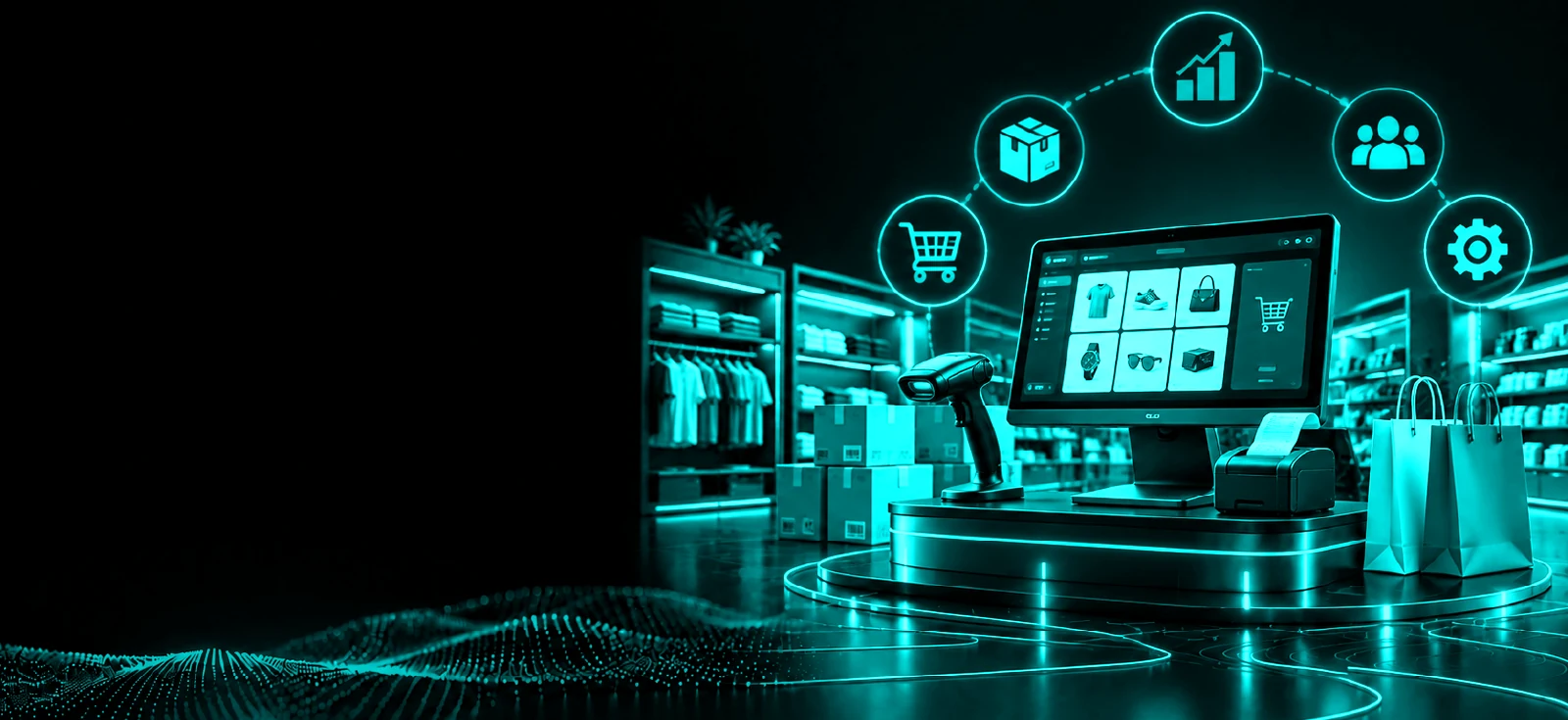
Retail ERP Software
Connect sales, billing, inventory, purchases, suppliers, customers, and store operations with Retail ERP Software from Exxalt Core Technology.
Manage everyday retail transactions and gain centralized visibility across products, stock, counters, and multiple store locations.
From Stock Arrival to Checkout — Keep Retail Operations Connected
Retail businesses handle hundreds of connected activities every day. Products arrive from suppliers, inventory moves between locations, customers purchase at billing counters, returns affect stock, and managers need accurate sales information across stores.
Retail ERP Software brings these operations into one connected system. Exxalt Core Technology helps retailers manage products, POS billing, inventory, purchasing, customers, payments, and store-level reporting without relying on disconnected applications and spreadsheets.
Whether you operate one store or multiple outlets, keep important retail information organized as your business grows.
Retail ERP Software Built Around Everyday Store Operations
POS & Retail Billing
Process customer purchases through a structured point-of-sale workflow. Manage items, quantities, applicable discounts, payments, and bills while keeping every transaction connected with retail records.
Purchase Management
Create and maintain relevant purchase records for products sourced from suppliers. Keep purchasing information connected with inventory to make incoming stock easier to manage.
Product & SKU Management
Maintain products, SKUs, categories, variants, pricing, and other relevant product information centrally. Keep your retail catalog organized as the number of products increases.
Supplier Management
Maintain supplier details, purchases, transaction histories, and relevant account information in one system for more organized vendor management.
Retail Inventory Management
Track stock receipts, sales, returns, transfers, and other configured inventory movements. Retail Inventory Management Software gives teams better visibility into product availability across stores and stock locations.
Customer Management
Keep relevant customer information and purchase history connected with retail transactions. Give teams a centralized view of customer activity where applicable.
Pricing & Discount Management
Maintain product prices and configure applicable discounts, promotional pricing, or other supported pricing rules for retail sales.
Returns & Exchanges
Record applicable customer returns and exchanges against retail transactions. Keep the resulting sales and inventory movements organized within the system.
Sales & Store Reports
Review sales, products, stock movement, purchases, payments, and other important retail information through centralized dashboards and reports.
Multi-Store Management
Manage multiple stores through one connected Retail Management System. Review individual outlet activity while maintaining consolidated visibility across the retail business.
Know What Is Selling, What Is in Stock, and What Needs Attention
Faster Retail Billing
Give checkout teams a structured POS workflow for processing everyday customer transactions efficiently.
Better Stock Visibility
Know what products are available and understand how sales, purchases, returns, and transfers are affecting inventory.
Easier Product Management
Maintain product, SKU, category, variant, and pricing information centrally instead of updating disconnected records.
Better Purchase Control
Connect supplier purchases with incoming inventory to maintain clearer visibility from procurement to store stock.
Organized Returns & Exchanges
Keep returned products and related inventory adjustments connected with the original retail transaction where applicable.
Centralized Multi-Store Visibility
Review store-level sales and stock while giving owners and management teams a consolidated view of the retail business.
How Retail ERP Software Works
Stock
Create products and receive inventory from suppliers into the relevant store or stock location.
Sell
Process customer purchases through POS billing while maintaining relevant sales, payment, and customer records.
Update
Reflect applicable sales, purchases, returns, exchanges, and stock transfers within inventory and operational records.
Analyze
Review sales, stock, purchases, products, payments, and store performance through centralized reports.
Retail ERP Software for Different Retail Businesses
Every Business
Department Stores
Manage different product categories, billing activities, inventory, purchasing, and operational information across larger retail environments.
Why Choose Exxalt Core Technology?
Built Around Retail Operations
Manage real retail activities such as products, SKUs, POS billing, inventory, purchases, suppliers, returns, payments, and store reporting.
Connected POS & Inventory
Keep sales and relevant stock movements connected so teams have better visibility into how everyday transactions affect inventory.
Configurable Retail Workflows
Configure applicable products, pricing, billing, purchasing, inventory, and operational workflows based on your retail business requirements.
Retail Process Automation
Reduce repetitive administrative work by simplifying applicable billing, stock updates, purchasing, transaction processing, and reporting workflows.
Multi-Store Management
Maintain individual store records while providing owners and management teams with centralized retail visibility.
Support & Customization
Work with Exxalt Core Technology to identify suitable configurations, integrations, and customization requirements for your retail operations.
Run Every Store From a More Connected System
Bring POS sales, products, inventory, purchases, suppliers, customers, and reporting together.
Discover how Exxalt Core Technology Retail ERP Software can simplify everyday store operations and give you clearer visibility across your retail business.
Frequently Asked Questions About Retail ERP Software
What is Retail ERP Software?+
Retail ERP Software is a business management system designed to connect retail activities such as POS billing, products, inventory, purchasing, suppliers, customers, payments, returns, and reporting.
How is Retail ERP different from POS software?+
POS software primarily handles customer sales and checkout activities. A Retail ERP System connects POS transactions with broader retail operations such as inventory, purchasing, suppliers, product management, and multi-store reporting.
Can Retail ERP Software manage inventory?+
Yes. Inventory functionality can maintain stock records based on applicable purchases, sales, returns, transfers, and other inventory movements.
Can I manage multiple stores?+
Yes. A multi-store setup can maintain store-specific sales and stock information while providing centralized reporting across retail locations.
Can the software manage product variants?+
Applicable product functionality can maintain variants such as size, type, or other configured attributes based on your product structure.
Can Retail ERP manage suppliers and purchases?+
Yes. Supplier and purchase management can maintain vendor information, purchase records, incoming stock, and relevant transactions.
Can customer returns and exchanges be managed?+
Yes. Applicable return and exchange workflows can maintain relevant transaction information and associated inventory movements.
What retail reports can management access?+
Depending on configuration, reports can provide visibility into sales, products, inventory, purchases, payments, returns, and individual store activity.